Best Digital Asset Management Software 2026

Compare the top DAM platforms side by side.

Finding the right DAM is hard. We compared 7 leading platforms on pricing, AI capabilities, e-commerce integrations, and ease of setup to help you choose.

Built-in AI tools
Shopify sync
Roles and approvals
N
Northway Living
Growth
Overview
Assets
Products
Review23
Create
Activity
Analytics
Trash
Supplier Portal
Settings
S
Sam Chen
owner
Assets
Folders(4)
Spring 26
Lifestyle
Editorial
Catalog
Images(8)
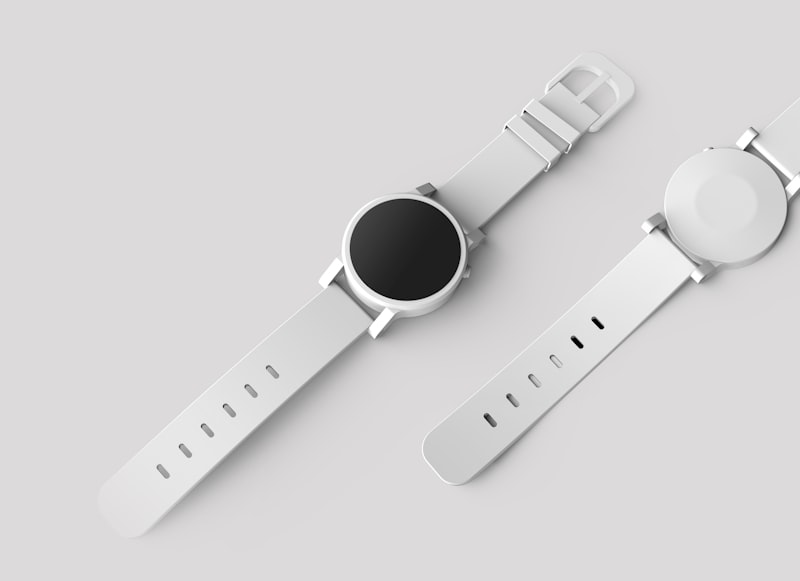
product-flat_001.jpg

cosmetic-flat_002.jpg
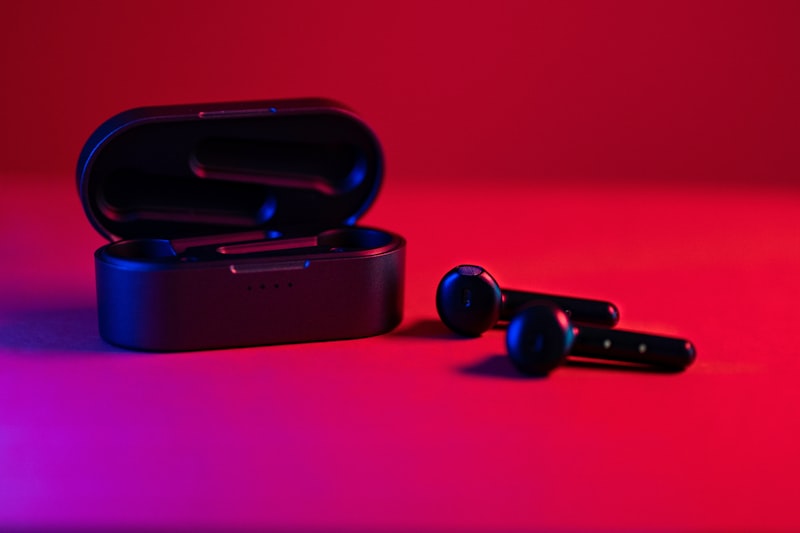
tech-product_003.jpg
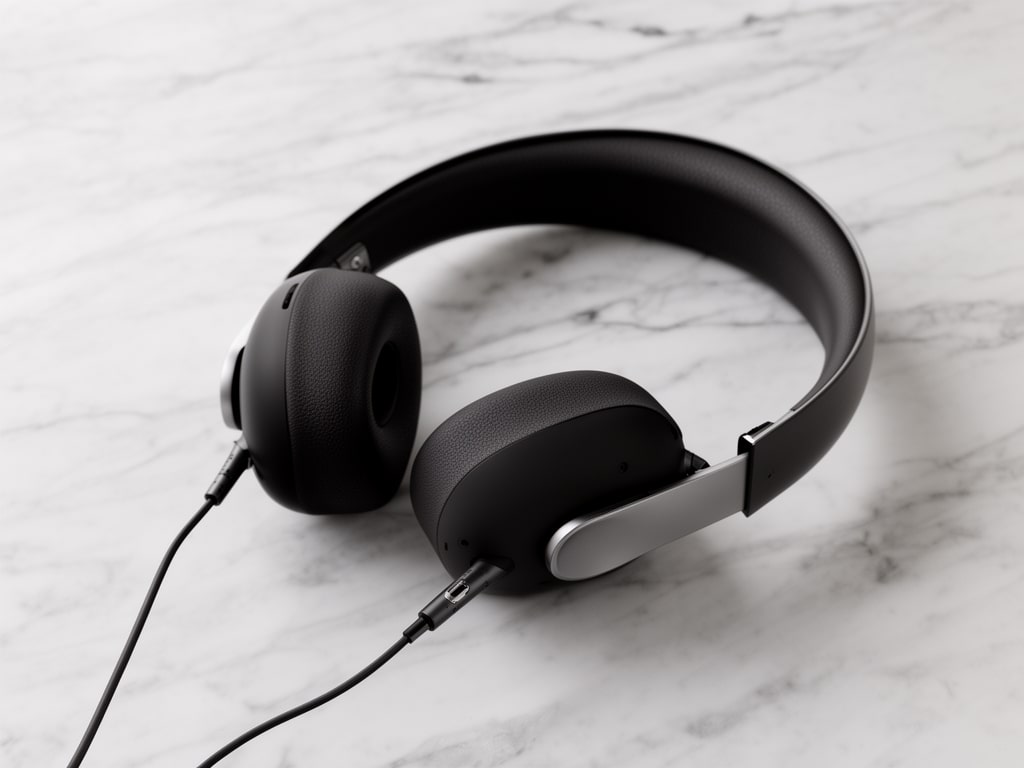
studio-shot_004.jpg
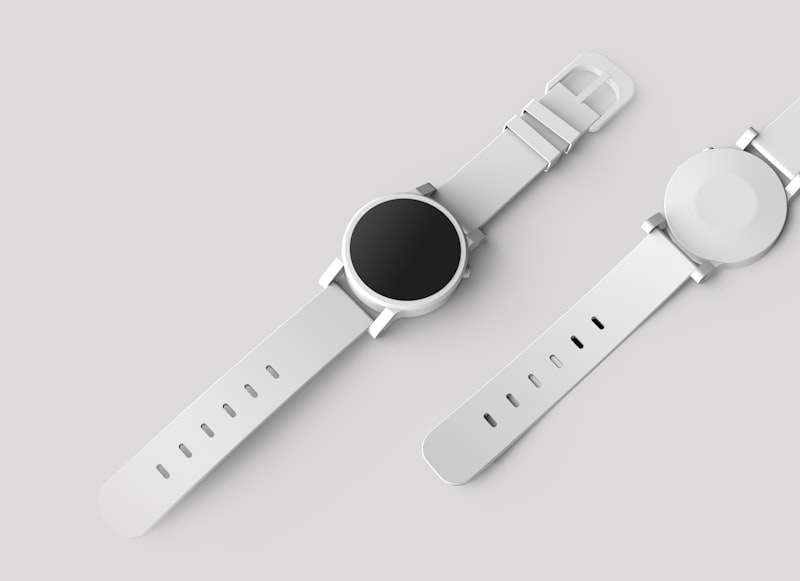
studio-shot_004.jpg
studio-bg_005.jpg
studio-bg_005.jpg
product-flat_006.jpg

lookbook_007.jpg

lookbook_007.jpg
portrait_008.png
portrait_008.png

Feature comparison

Side-by-side comparison of 2026's top DAM platforms.

Pricing note: Many enterprise DAM vendors use custom pricing and do not publish a list price. Ask each vendor for a quote.

Platform summaries

Sirv AI Studio

$149/mo

Best for: Shopify content ops

AI tools: Product-linked AI workflows E-commerce: Shopify readiness + safe publish

Bynder

Custom quote

Best for: Enterprise brand teams

AI tools: AI-assisted DAM features E-commerce: Enterprise integrations

See full Sirv vs Bynder comparison →

Brandfolder

Custom quote

Best for: Brand asset management

AI tools: Basic auto-tagging E-commerce: Limited

See full Sirv vs Brandfolder comparison →

Canto

Custom quote

Best for: Mid-market creative teams

AI tools: Auto-tagging, facial recognition E-commerce: Limited

See full Sirv vs Canto comparison →

Adobe Experience Manager

Custom quote

Best for: Fortune 500 enterprises

AI tools: Firefly (add-on) E-commerce: Custom development

See full Sirv vs Adobe Experience Manager comparison →

Acquia DAM (Widen)

Custom quote

Best for: Drupal/Acquia ecosystem

AI tools: Basic auto-tagging E-commerce: Custom

See full Sirv vs Acquia DAM (Widen) comparison →

Aprimo

Custom quote

Best for: Enterprise content ops

AI tools: AI auto-tagging E-commerce: Custom

See full Sirv vs Aprimo comparison →

Who needs DAM software?

DAM is for any team managing more than a handful of visual assets.

We make Sirv AI Studio. These picks come from vendor documentation and public pricing.

E-commerce teams

Managing product catalogs with hundreds or thousands of SKUs. Need batch AI processing, Shopify sync, and approval workflows.

Our pick: Sirv AI Studio

Brand & marketing teams

Centralizing campaign assets, enforcing brand guidelines, and sharing with agencies via secure links.

Our pick: Sirv AI Studio or Brandfolder

Creative agencies

Managing client assets with team permissions, version control, and organized delivery.

Our pick: Sirv AI Studio or Canto

Enterprise content teams

Large-scale content operations with compliance requirements, multi-site publishing, and advanced governance.

Our pick: Adobe AEM or Aprimo

Frequently asked questions

What is digital asset management (DAM) software?

DAM software is a centralized platform for storing, organizing, searching, and distributing digital files - especially images, videos, and brand assets. It replaces scattered folders in Google Drive or Dropbox with smart organization, team permissions, and workflow automation.

How much does DAM software cost?

DAM pricing varies widely, and many enterprise vendors only give custom quotes. Sirv AI Studio has a Free plan, and paid plans start at $149/month for teams that need product-linked assets, AI processing, and Shopify workflows.

What's the difference between a DAM and Google Drive?

Google Drive is generic file storage. A DAM adds smart collections, instant search, approval workflows, team permissions, version control, share links with expiration, and (in Sirv AI Studio's case) AI processing tools. DAMs are purpose-built for visual assets.

Do I need a DAM if I only have a small product catalog?

Even small catalogs benefit from organization, especially as you add AI processing, team members, and sales channels. With self-serve tools like Sirv AI Studio starting at $149/mo, there's no reason to wait until your catalog grows to get organized.

What features should I look for in a DAM?

Essential features: smart collections (auto-organize by rules), instant search, team permissions (who can edit/view/approve), version control, and secure share links. Differentiators: AI processing tools (background removal, generation, upscaling), e-commerce integrations (Shopify sync), batch processing, and CDN delivery.

Can I migrate from another DAM to Sirv AI Studio?

Yes. Export assets from your current DAM and upload them to Sirv AI Studio by drag-and-drop or URL import. Recreate your collection structure with smart collections, then invite your team and assign roles. Growth and Enterprise plans also include the REST API for scripted imports.

How we picked

We based these picks on each vendor's public documentation and pricing pages, checked on October 7, 2026. We did not run side-by-side tests for this guide. Prices and features change, so confirm the details with each vendor before you buy.

We make Sirv AI Studio, so weigh our picks of it with that in mind.

Try Sirv AI Studio with your own assets

25 free credits. No credit card required. Upload a few product images and see how the workflow fits your team.

25 free credits to start. No credit card required.