Best Photo Management Software 2026

Organize, search, and process your image library.

We compared 6 photo management tools on pricing, AI capabilities, batch processing, team features, and e-commerce integrations to help you choose the right one.

Search by name, tag, and metadata
10 smart collections on Free
One workspace-owner seat on Free
N
Northway Living
Growth
Overview
Assets
Products
Review23
Create
Activity
Analytics
Trash
Supplier Portal
Settings
S
Sam Chen
owner
Assets
Folders(4)
Spring 26
Lifestyle
Editorial
Catalog
Images(8)
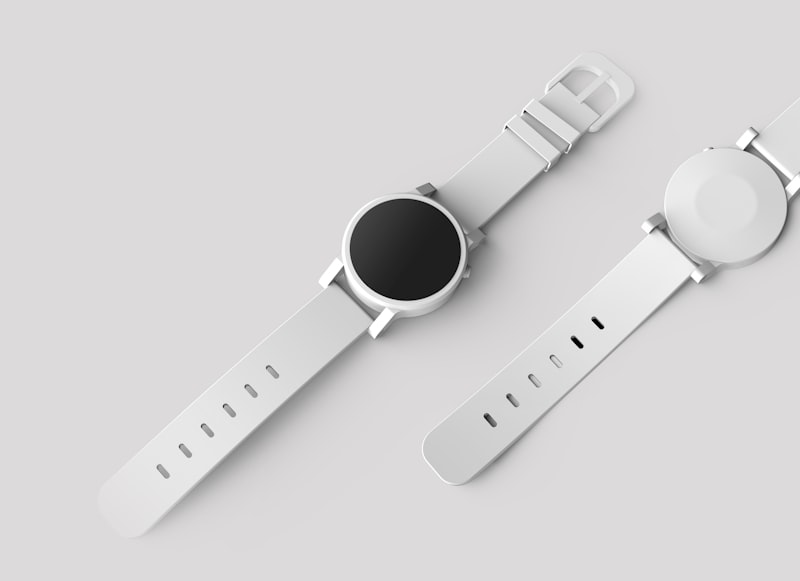
product-flat_001.jpg

cosmetic-flat_002.jpg

tech-product_003.jpg
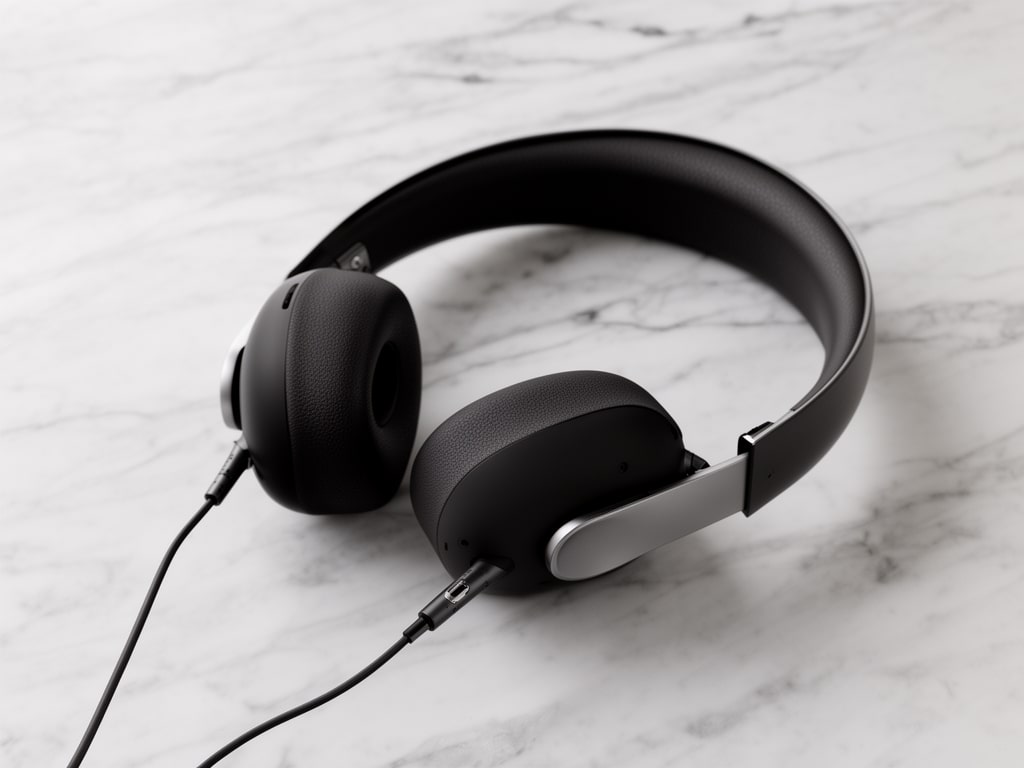
studio-shot_004.jpg
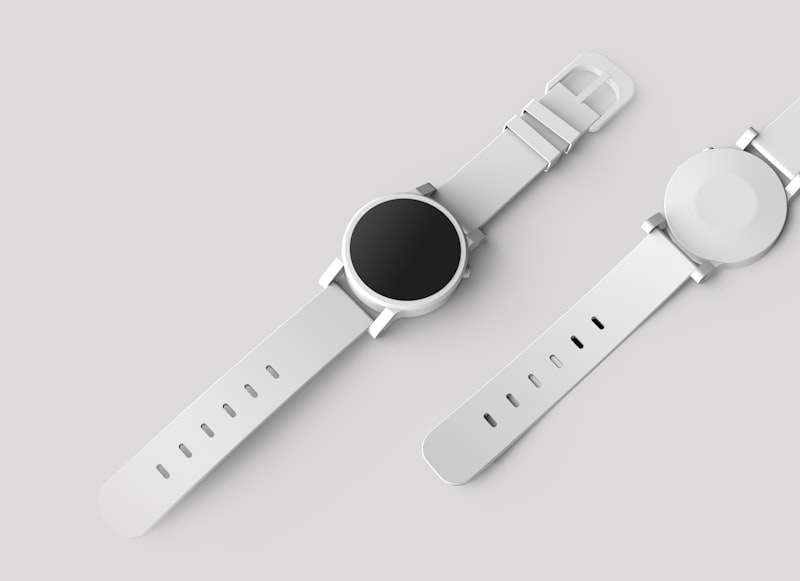
studio-shot_004.jpg
studio-bg_005.jpg

studio-bg_005.jpg
product-flat_006.jpg

lookbook_007.jpg

lookbook_007.jpg
portrait_008.png
portrait_008.png

Feature comparison

Side-by-side comparison of 2026's top photo management tools.

Which Tool Is Right for You?

We make Sirv AI Studio. These picks come from vendor documentation and public pricing.

Product Photography Teams

You manage hundreds or thousands of product images, need batch AI processing (background removal, upscaling), Shopify sync, and team approval workflows.

Our pick: Sirv AI Studio

Professional Photographers

You shoot RAW, need advanced color grading, lens correction, and detailed local adjustments for client deliverables.

Our pick: Adobe Lightroom

Personal Photo Libraries

You want to back up family photos, search by face or place, and share albums with friends and family.

Our pick: Google Photos or Apple Photos

Brand & Marketing Teams

You need a centralized library with permissions, share links, and brand consistency controls for your organization.

Our pick: Sirv AI Studio or Canto

Frequently Asked Questions

What's the difference between photo management software and a DAM?

Photo management software (like Lightroom or Google Photos) is designed for organizing and editing personal photo collections. A Digital Asset Management (DAM) platform like Sirv AI Studio adds team collaboration, approval workflows, role-based permissions, e-commerce integrations, and AI batch processing - features needed when multiple people manage product images or brand assets.

Which photo management software is best for product photography?

It depends on the job. Sirv AI Studio, which we make, combines organization (smart collections, search) with AI processing (background removal, upscaling, lifestyle shots) and Shopify sync. Lightroom is stronger for RAW editing and colour grading. Google Photos and Apple Photos are built around personal libraries rather than product catalogues.

Can I use AI to organize my photos automatically?

Yes. Sirv AI Studio generates alt text, fills smart collections from rules you set, and searches file names, tags, and metadata. Google Photos and Apple Photos offer face recognition and object search. Lightroom offers AI masking and selection tools.

How much does photo management software cost?

Prices range from free (Google Photos 15GB, Apple Photos) to custom quotes for team DAMs like Canto. Sirv AI Studio starts at $149/mo with monthly AI credits. Check the Lightroom and ACDSee pricing pages, because plans change.

What's the best free photo management software?

Google Photos (15GB free) is a strong personal option. Sirv AI Studio Free includes 25 free credits, 10 smart collections, one workspace-owner seat, and 14-day history for a starter business catalog.

How we picked

We based these picks on each vendor's public documentation and pricing pages, checked on October 7, 2026. We did not run side-by-side tests for this guide. Prices and features change, so confirm the details with each vendor before you buy.

We make Sirv AI Studio, so weigh our picks of it with that in mind.

Try Sirv AI Studio with your own photos

25 free credits. No credit card required. Upload a few product images and see how it fits.

25 free credits to start. No credit card required.