Every Media Type. One Platform.

Images, videos, 3D models, PDFs - manage all your media assets in a single searchable workspace. AI-process images and videos, and collaborate with your team across every file type.

N
Northway Living
Growth
Overview
Assets
Products
Review23
Create
Activity
Analytics
Trash
Supplier Portal
Settings
S
Sam Chen
owner
Assets
Folders(4)
Spring 26
Lifestyle
Editorial
Catalog
Images(8)
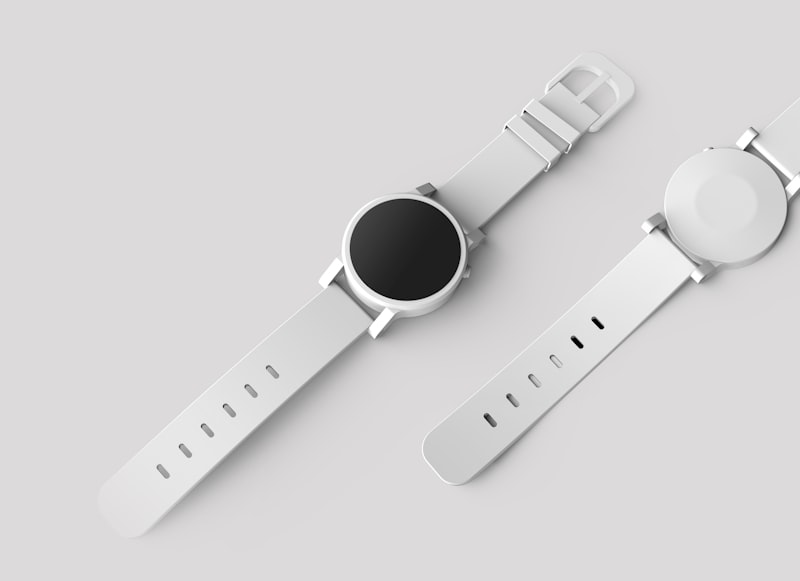
product-flat_001.jpg

cosmetic-flat_002.jpg
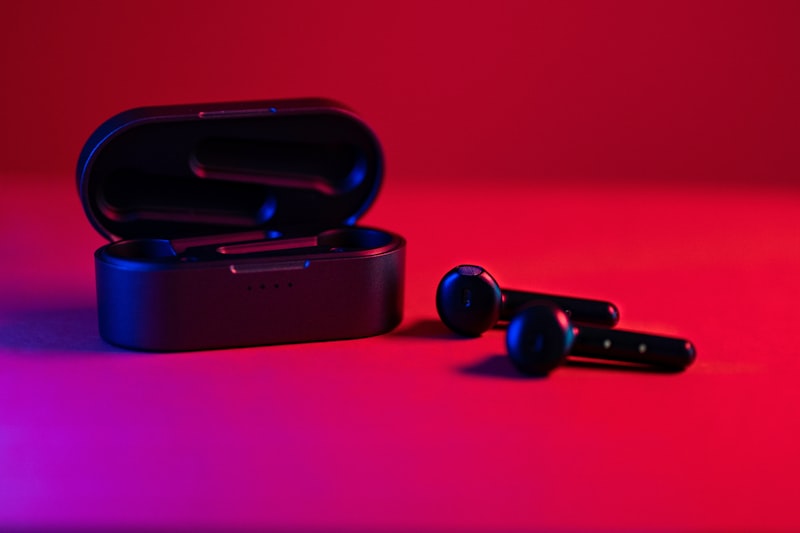
tech-product_003.jpg
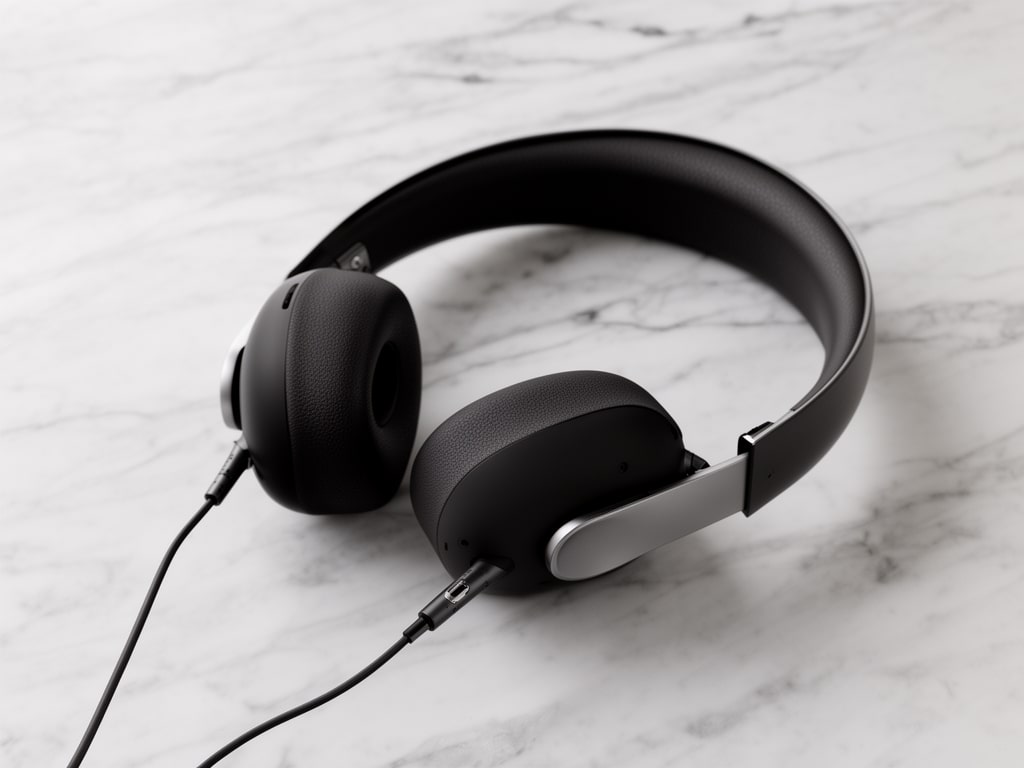
studio-shot_004.jpg
studio-shot_004.jpg
studio-bg_005.jpg
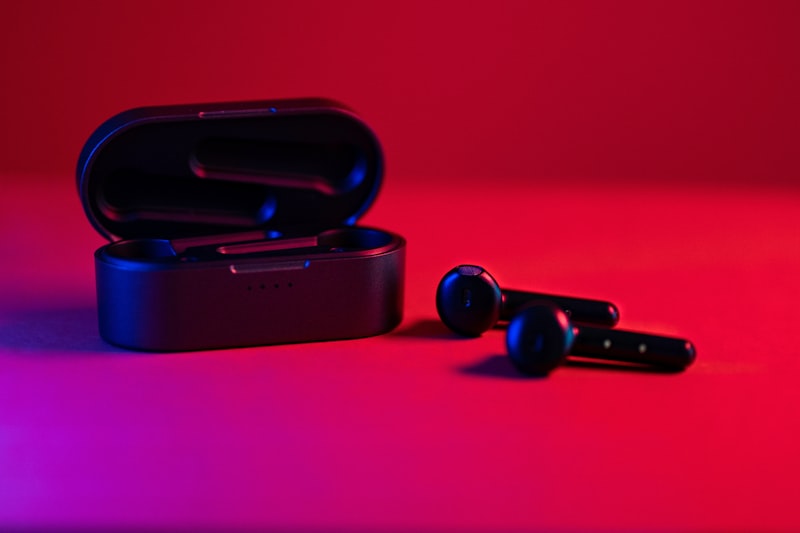
studio-bg_005.jpg
product-flat_006.jpg

lookbook_007.jpg

lookbook_007.jpg
portrait_008.png
portrait_008.png
Multi-Format Support

Upload and manage images (JPEG, PNG, WebP, AVIF, TIFF, HEIC), videos (MP4, MOV, WebM), 3D models (GLB, GLTF), PDFs, and documents. Every format gets thumbnails, metadata, and search indexing.

AI Processing Across Media Types

Remove backgrounds from product images, upscale photos up to 10x resolution, generate videos from still images, create 3D models from product photos, and auto-generate alt text - all from the same library.

Unified Search Across All Assets

Full-text search finds any asset by filename, alt text, tags, or custom metadata - regardless of file type. Filter by MIME type, dimensions, date, source tool, or approval status.

Optional Sirv Delivery

Studio stores files on its own storage. Connect your own paid Sirv account if you want Sirv to deliver them. Sirv then serves images with resizing, cropping, and format conversion by URL.

Video + Image Workflows

Generate product videos from still images, add captions to existing videos, create animated sequences, and manage video assets alongside your image library. All in one workspace.

Derivatives Track to Originals

When you AI-process an image or generate a video from a photo, results save as derivatives linked to the original via parent_asset_id. View all versions and derivatives from the asset detail panel.

At a glance

Key specs and capabilities.

Image formatsJPEG, PNG, WebP, AVIF, TIFF, GIF, BMP, HEIC, PSD
Video formatsMP4, MOV, WebM, M4V (with thumbnail generation)
3D formatsGLB, GLTF (with mesh and texture compression)
AI tools for imagesBG removal, upscale, generation, object removal, and 15+ more
AI tools for videoImage-to-video, video captions, virtual try-on video
SearchFull-text search across all file types
DeliveryOptional: connect your own paid Sirv account
Derivative trackingparent_asset_id linking across all media types

Frequently asked questions

What file types does Sirv AI Studio support?

Sirv AI Studio supports common image formats (JPEG, PNG, WebP, AVIF, TIFF, GIF, HEIC), video formats (MP4, MOV, WebM), 3D models (GLB, GLTF), and documents (PDF). Each format gets automatic thumbnail generation, metadata extraction, and search indexing. AI processing tools work primarily with images and videos.

Can I manage both images and videos in the same library?

Yes. All media types live in the same workspace with the same organization tools: collections, folders, tags, search, and permissions. You can mix images, videos, and 3D models in a single collection. Filter by MIME type to view just one format when needed.

How are video assets handled differently from images?

Videos get automatic thumbnail generation for gallery browsing. You can generate videos from still images using AI, add captions to existing videos, and create virtual try-on videos. Video assets support the same organization features as images: collections, tags, metadata, and search.

Does Sirv AI Studio support 3D model management?

Yes. Upload GLB and GLTF files directly. Studio includes an image-to-3D AI tool that generates 3D models from product photos. 3D assets get thumbnails, metadata, and the same organization and search features as images and videos.

How are media files delivered?

Studio stores files on its own storage. Connect your own paid Sirv account if you want Sirv to deliver them. Sirv then serves images with resizing and format conversion by URL. You can also download files, share them by link, or publish images to Shopify.

Ready to Organize Your Assets?

25 free credits. No credit card required. Try Sirv AI Studio with your actual images.

25 free credits to start. No credit card required.