Ghost mannequin photos with AI
Remove the mannequin from clothing photos with AI. Add a photo, choose the garment type and see the price before you run.
25 free credits when you sign up. No card.
No photo? Try one of these.
The mannequin goes, the garment stays
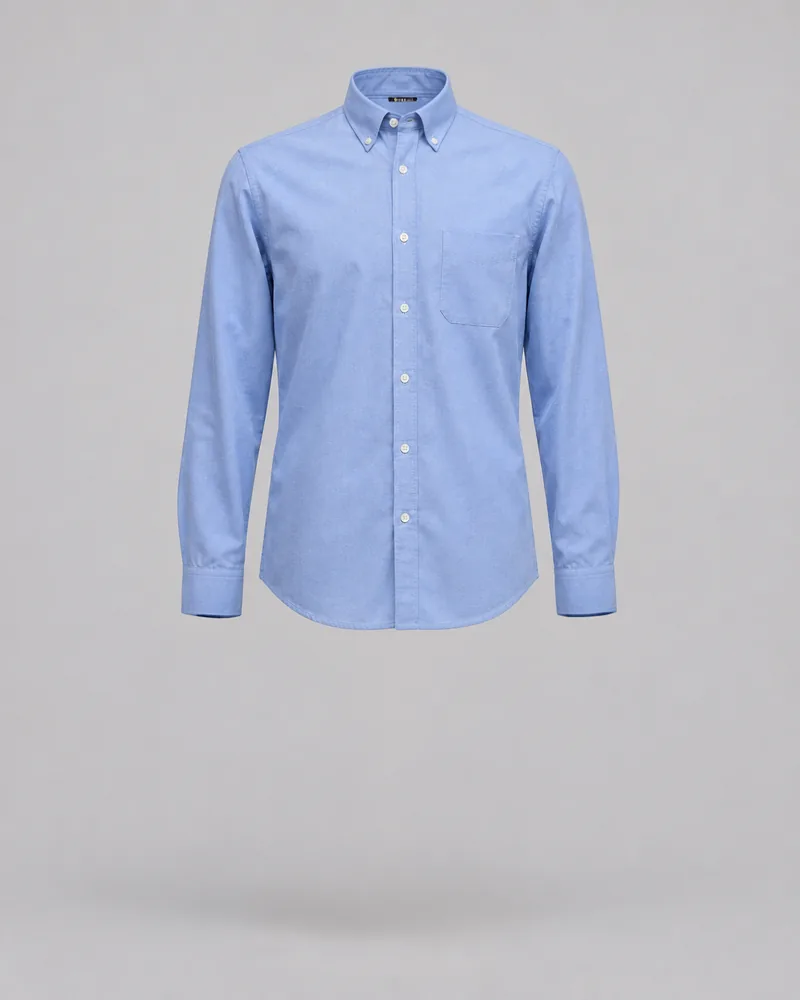
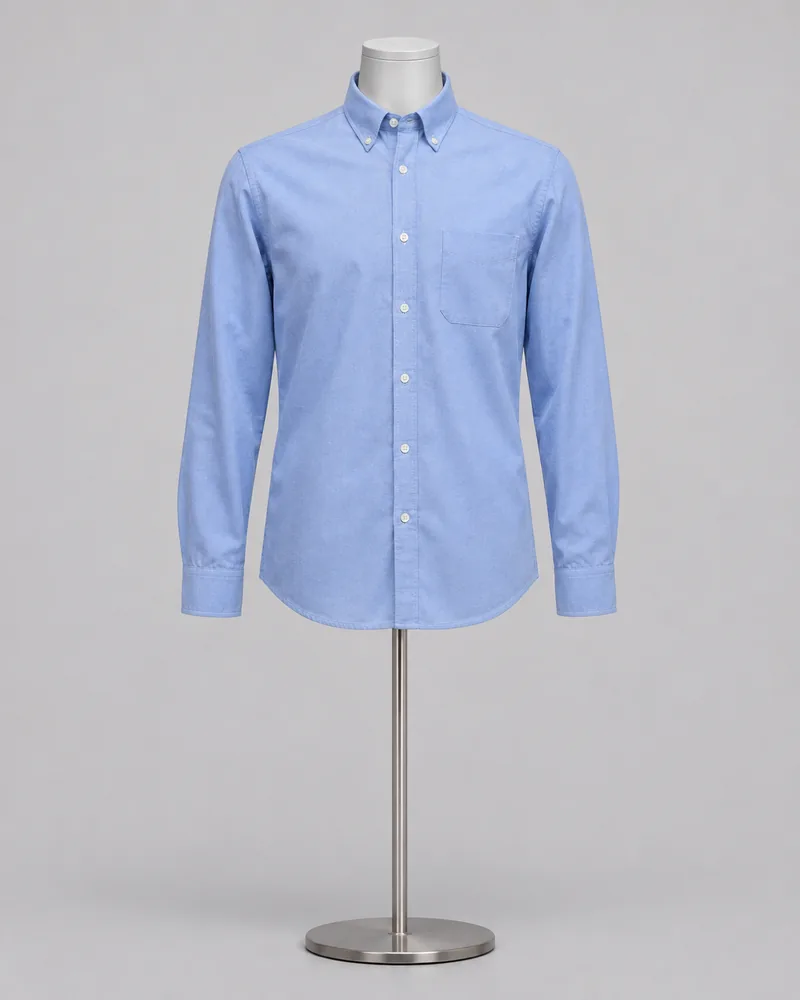
Mannequin removed with Ideogram 4.5 Precise Edit
What the tool does
How It Works
What it is good for
Process a product catalogue
Import image URLs to your workspace, then use supported batch tools within your plan's limits.
Paste image URLs or import a CSV of image links.
Sign up to import image URLsWhat it costs
Frequently Asked Questions
A clothing photo with the mannequin taken out. The garment keeps its worn shape, so the neck and sleeves look hollow. It is also called the invisible mannequin effect.
2 credits for each photo, whatever its size. The tool shows the cost before you run.
Yes. The AI edits the photo and can add details such as a neck label, so compare it with your original for colour, print, logos and seams before you publish it.
Well-lit photos of one garment on a mannequin.