Account
Change your name and photo, link Google or GitHub sign-in, see your workspaces, control product analytics and delete your account.
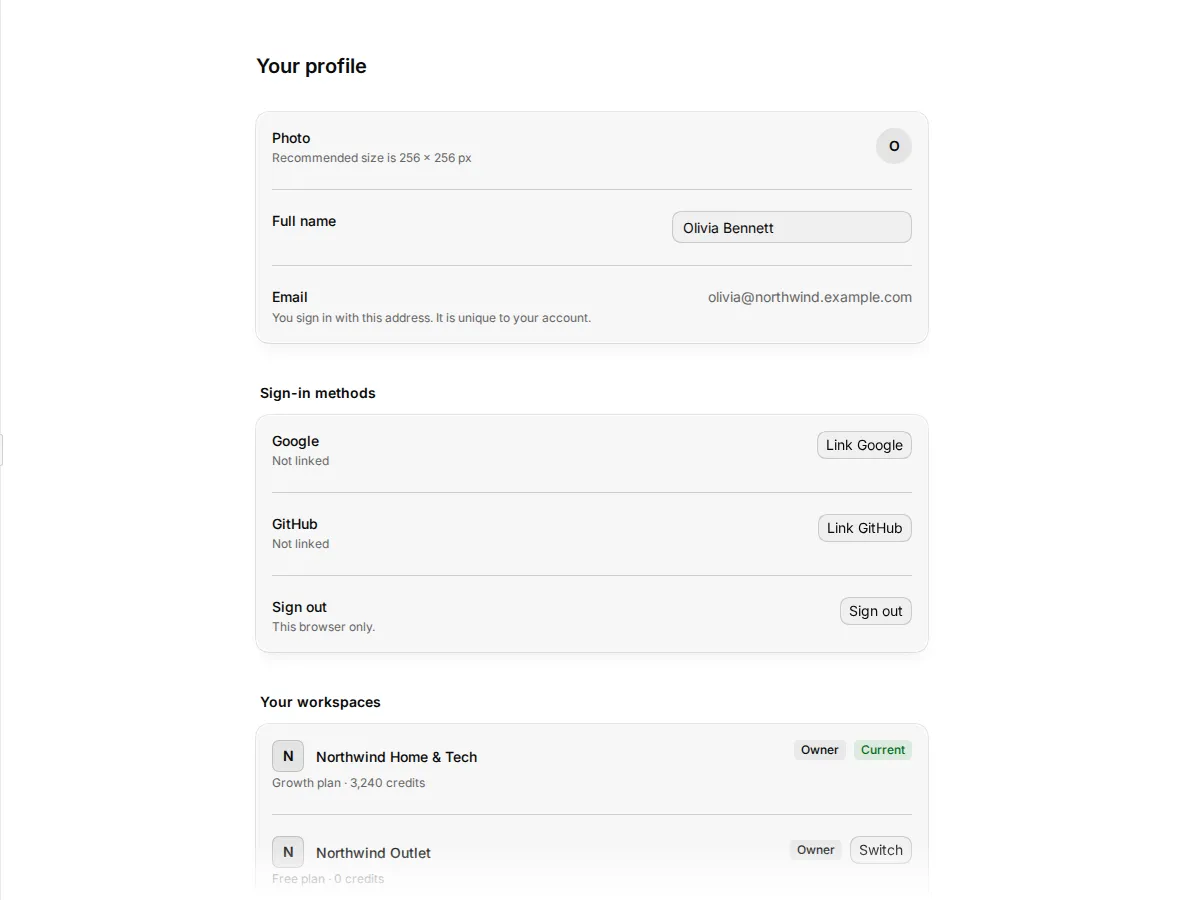
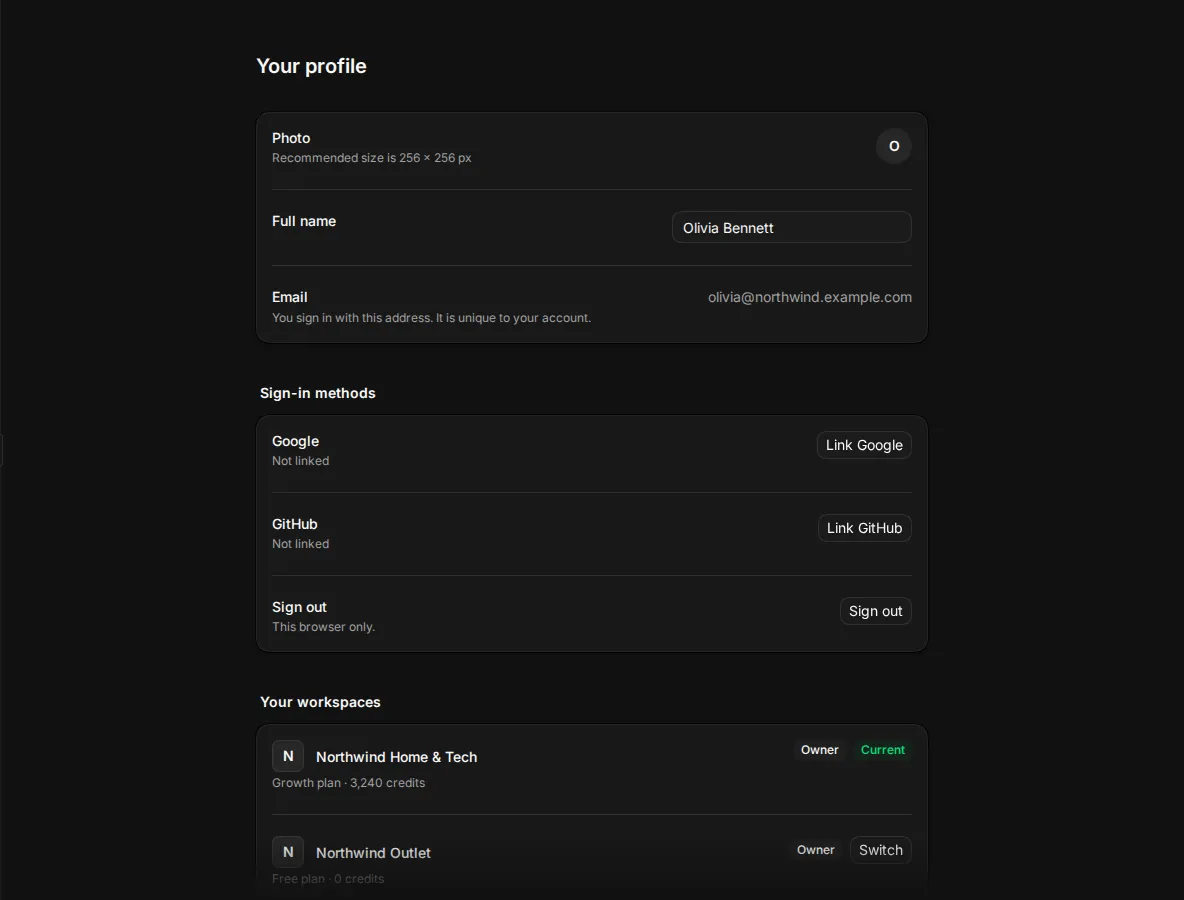
Your account is you, across every workspace you belong to. Your profile holds your name, photo and sign-in methods, the list of your workspaces and your privacy choices. Open it from Settings > Profile, or click your name at the bottom of the sidebar and then your name and email at the top of the menu.
Who can use this: everyone, for their own account. Suppliers manage their account in the supplier portal.
Change your name and photo
- Go to Settings > Profile.
- Type your Full name.
- To change the Photo, click Change photo. Drop a JPG, PNG or WebP image of up to 10 MB, or choose a file. Use Zoom to crop it, then click Save photo. The recommended size is 256 × 256 px. To take your photo off, click Remove photo.
- Click Save in the bar at the bottom of the page.
Your Email is the address you sign in with. It is unique to your account and you cannot change it on this page.
On a phone, Haptic feedback turns vibration for gestures on or off.
Sign in with Google or GitHub
You can sign in to the same account with Google or GitHub, without a password. Under Sign-in methods, each provider shows Linked or Not linked.
- Next to Google or GitHub, click Link Google or Link GitHub.
- Sign in to that provider and allow access.
You come back to your profile, and the provider shows Linked.
If your workspace uses single sign-on, sign in with Sign in with SSO on the sign-in page instead. See Single sign-on.
Sign out
Under Sign-in methods, click Sign out. This signs you out of this browser only. You can also click Sign out in the account menu at the bottom of the sidebar.
Reset your password
On the sign-in page, click Forgot password? and follow the email. After you set a new password, sign in with it.
See your workspaces
Your workspaces lists every workspace you belong to, with your role and the plan. Click Switch to open another workspace. The current one shows Current.
Product analytics
Product analytics lets you share which pages you open and which buttons you click, so the Sirv team can improve Studio. Studio sends no screen recordings, images or file contents.
Click Start sharing or Stop sharing. Each browser keeps its own choice, and the change takes full effect on your next page load.
Delete your account
Deleting your account removes your account and photo for good. Workspaces where you are the only member are deleted with it. Files and products you added to other workspaces stay there, and their owner keeps them.
- Go to Settings > Profile.
- Under Danger zone, click Delete account.
- Type
DELETEto confirm, then click Delete account.
If you own a workspace that has other members, Studio stops you and asks you to transfer it first. Make another member the owner, then delete your account. See Transfer ownership.
Related
- Team: leave a workspace without deleting your account.
- Find your way around: change the language and theme.